

In This Post We Will Be Talking About Nmap in Termux. We Will See How To Install Nmap In Termux And See How To Use It For Network Scanning. Starting From The Basics Of What Is Nmap We Will Start The Post And Till The End We Will Be Able To Do The Basic To Advanced Things In Nmap. So Let Get Started,
What Is Nmap?
Nmap Is One Of The Most Famous Network Tool That Can Be Used To Scan Networks, To Discover Ports On A Network And To Detect The Services On A Network. It Is Preinstalled In Most Of The Linux Operating Systems.
How Does Nmap Work?
The Nmap Send Data Packets To The Network To Analyse The Response, Based On That Response Nmap Shows Us Which Devices Are Alive On Network And Also The Details Of Ports And Operating System. It Also Shows Us Which Services Are On Those Ports Like Web Server, SSH, FTP.
How To Install Nmap In Termux?
Based On The Current Version Of Termux. The Nmap Is Not Preinstalled In It But We Can Surely Install Nmap In Its Easiest Way In Termux. We Just Have To Update The Packages And Run A Simple Command To Install Nmap In Termux. Follow The Below Steps One By One To Install Nmap In Termux:
Step 1: We Need To Update The Termux Packages After Installing Or Opening Termux. So We Will Simply Open The Termux And Connect Your Device To The Internet And Type pkg update && pkg upgrade -y Command In Termux To Update And Upgrade All The Packages In Termux.
pkg update && pkg upgrade -y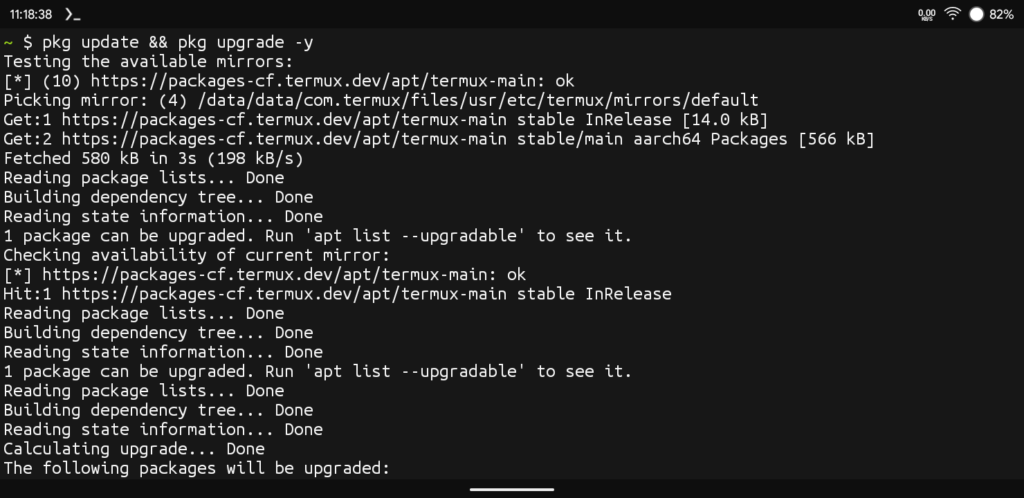
Step 2: Now Install The Nmap In Termux Using pkg install nmap -y Command And Wait For The Installation To Be Completed. It Can Take Time Based On Your Device Performance And Network Speed.
pkg install nmap -y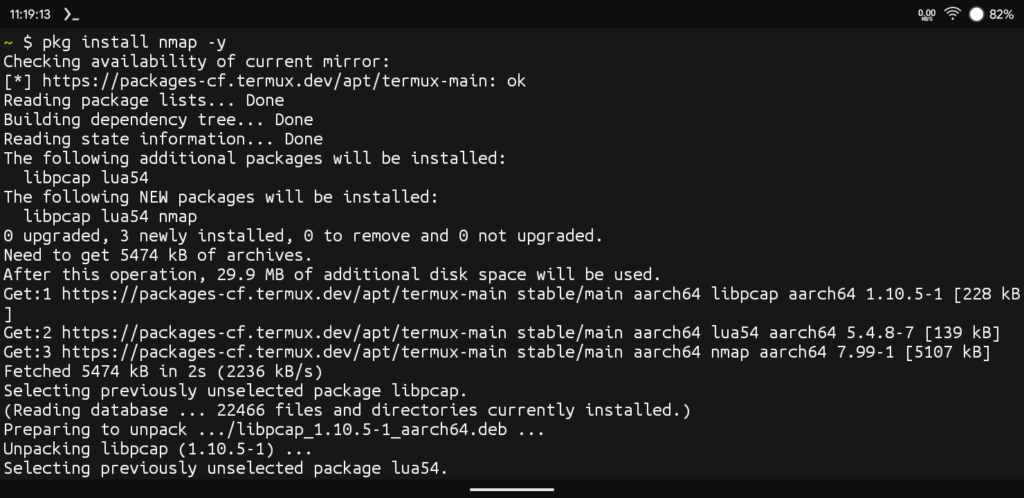
Step 3: After The Installation Has Been Finished We Need To Check If The Installation Went Perfectly Or Not By Checking The Version Number Of The Nmap Tool In Termux Using nmap --version Command.
nmap --version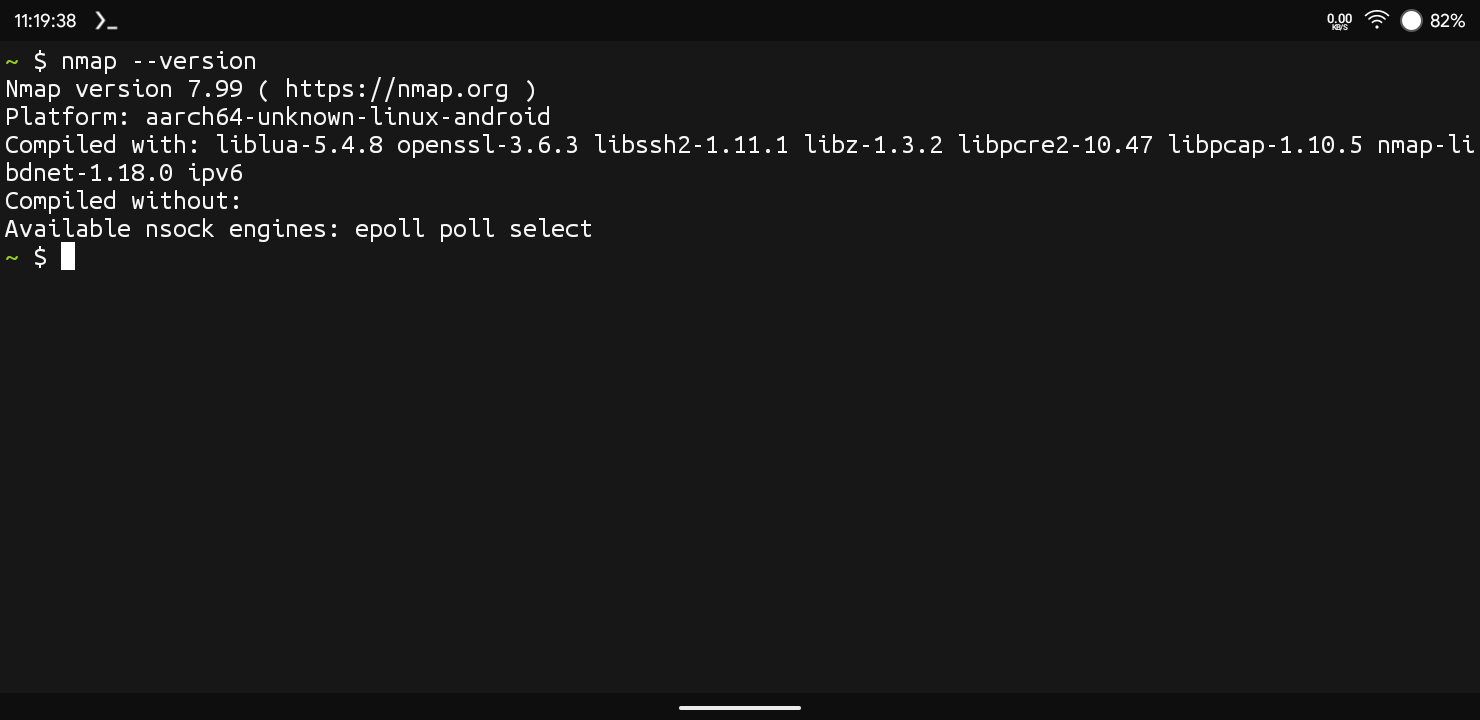
These Are The Basic Steps Of Installation Of Nmap In Termux. After The Installation Is Successful In Termux We Can Move On The Next Step Of How Can We Use Nmap In Termux. Make Sure The Installation Must Be Successful In Order To Move On The Next Step.
How To Use Nmap In Termux?
The Nmap Can Be Used For The Different Purposes In Networking Like Port Scanning, OS Checking And Other Things. Based On These Operations I Have Wrote The Basic Syntax For Different Kind Of Operations In Termux. Check The Below Commands And Functions For These Operations In Termux.
Basic Nmap Syntax For Scanning Networks. The Target Can Be An IP Address, A Hostname, Or A Range Of IPs.
nmap [scan type] [options] [target]Different Kind Of Nmap Scans:
- Basic Scan For A Single Target: This Scans Runs A Default Scan Checking The 1000 Most Common Ports Of That Network.
nmap 192.168.1.1- Scan A Hostname: Nmap Provides scanme.nmap.org As Legal Public Target To Test Or For Learning Purposes.
nmap scanme.nmap.org- Scan A Entire Subnet : This Is Used To Scan Every Device On That Subnet (256 Adresses).
nmap 192.168.1.0/24- Scan With Specific Ports: This Scan Is Used To Scan The Specific Ports Of That IP Addresses.
nmap -p 22,80,443 -192.168.1.1- Detect Operating System: This Scan Is Used To Guess The Targets Operating System. This Scan Uses The Root Access Level To Perform This Scan.
nmap -O 192.168.1.1Common Errors And Fixes:
- Root Access Required: Some Scan Types Like -O Or Syn Need Root Privileges. Such Commands Can Be Only Used In Rooted Devices Or In Kali Linux Like Operating Systems. On Termux Without Root You May See This Error.
- Scan Speed Too Slow: Sometimes Scanning Large Ports Or Subnets Can Take More Time Than Usual. You Can Just Narrow The Target Or Port Range Or Just Add -T4 To Speed Up The Scan.
- Failed To Resolve The Hostname: The Most Common Error You May See While Performing A Scan In Nmap. You Just Need To Check Your Internet Connection.
How To Install Nmap In Termux Using A Single Command?
Yes, You Heard It Correct, You Can Just Simply Type A Single Command To Install Nmap In Termux. For That You Need To Type These All Commands With “&” Between Them To Make A Single Command Out Of Them. Use The Below Command To Install Nmap In Termux:
pkg update && pkg upgrade -y && pkg install nmap -yConclusion:
Nmap Is One Of The Most Widely Used Tools In Networking And Cybersecurity. In This We Have Discussed Almost All The Important Things About Nmap Tool And How To Install And Use Nmap In Termux. I Hope You Will Like This Post And Understood Everything About Nmap That I Have Mentioned In This Post. After All This If You Have Still Any Question Regarding The Nmap Tool You Can Tell Me In The Comment. Thanks For Reading.
Remember: With Great Powers Comes Great Responsibility.






1 thought on “How To Install Nmap In Termux: Complete Setup & Usage Guide 2026”