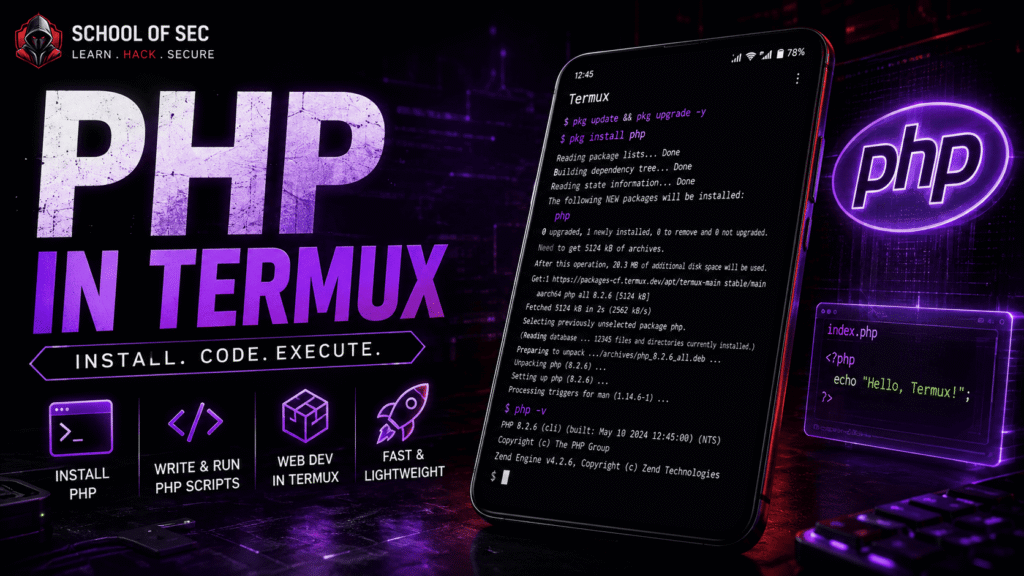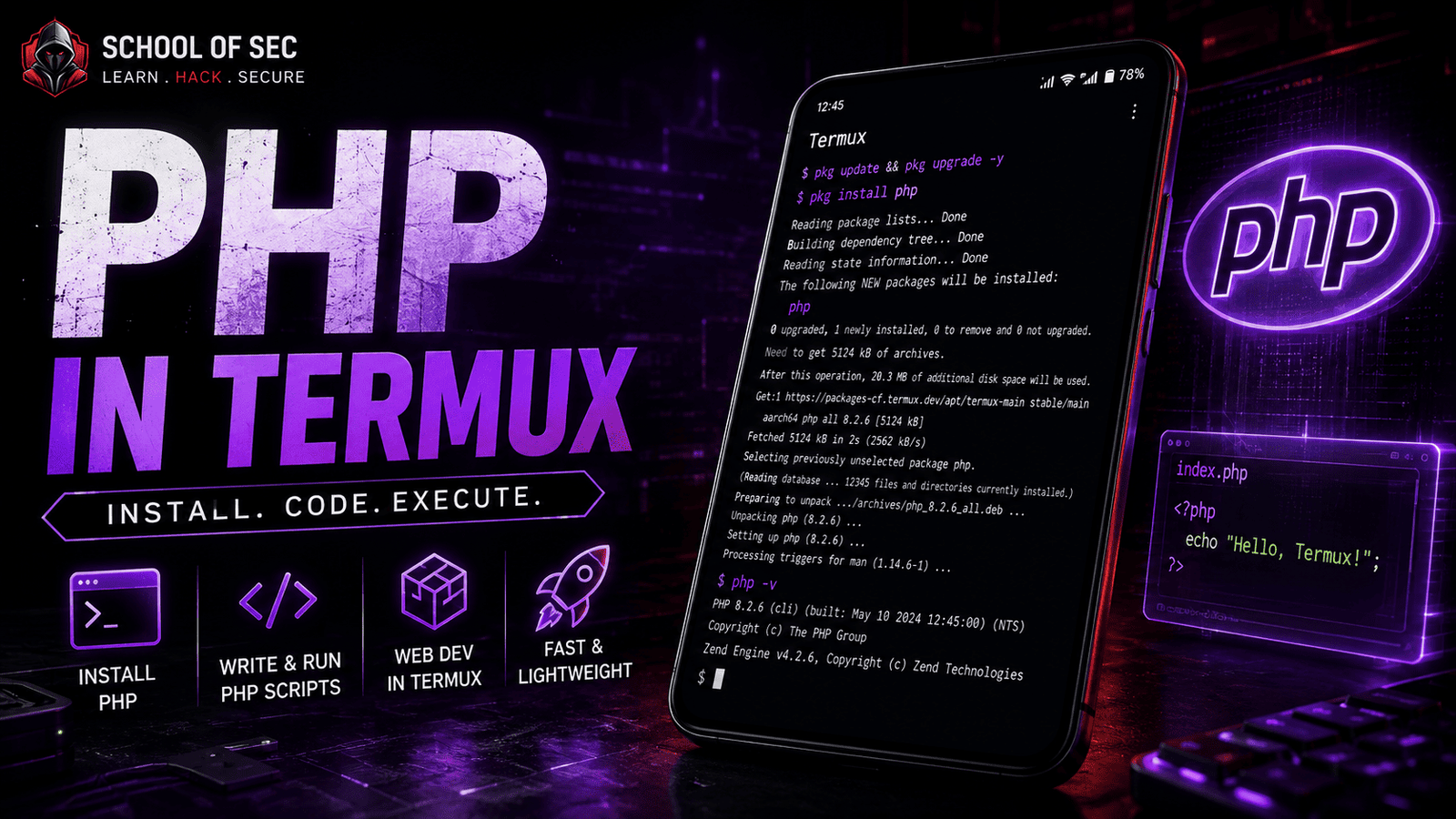
In This Post I Am Going To Show You How To Install PHP In Termux, We Will See How We Can Setup A Complete PHP Environment In Termux. Starting From The Definition Of PHP Followed By The Installation Of PHP In Termux Then We Willn See How We Can Use PHP In Termux.
PHP Is Just An Another Language That We Are Going To Learn After Python And Ruby In Termux. We Will See How We Can Use PHP To Write And Test Small Scripts And Web Pages Right On Our Phone. Make Sure To Read This Post From The Beginning To End To Avoid Any Error In Installation Or Use Of PHP In Termux. So Without Wasting Much Of Our Time Lets Start,
What Is PHP?
PHP Is An Open Source Server Side Scripting Language Widely Used For Building Dynamic Websites And Web Applications.most Of The Cases In Termux It Is Used To Test PHP Scripts, Practice Web Development, Or Run A Small Local Server To Preview A Website Before Uploading It Live. This Tool Is One Of The Most Used Languages Powering The Web Since It Runs Behind Huge Platforms Like WordPress, And Learning It Directly In Termux Is A Great Way To Practice Without Needing A Full Computer Setup.
How To Install PHP In Termux?
Installing PHP In Termux Is One Of The Easiest Things You Will Do While Using Termux As A Beginner. So We Will Just Hit Some Commands To Update The Termux Followed By The Installation Of PHP In Termux Using A Simple Single Basic Command And Then We Will Verify The Installation Of PHP In Termux By Checking The Version Of PHP And Then We Will Use PHP In Termux. You Just Need An Active Internet Connection For The Installation Of PHP And A Little Bit Of Free Space In Your Device. Follow The Below Steps One By One To Install PHP In Termux:
Step 1: First Of All We Will Step To The First Command That Is pkg update && pkg upgrade -y Command To Update And Ugrade All The Termux Packages. Make Sure If You Are Setting Up Termux For The First Time You May Need To Change The Repo Of The Termux Using termux-change-repo Command.
pkg update && pkg upgrade -yStep 2: After Updating All The Termux Packages In Termux We Can Now Install PHP In Termux Using pkg install php -y Command In Termux.
pkg install php -y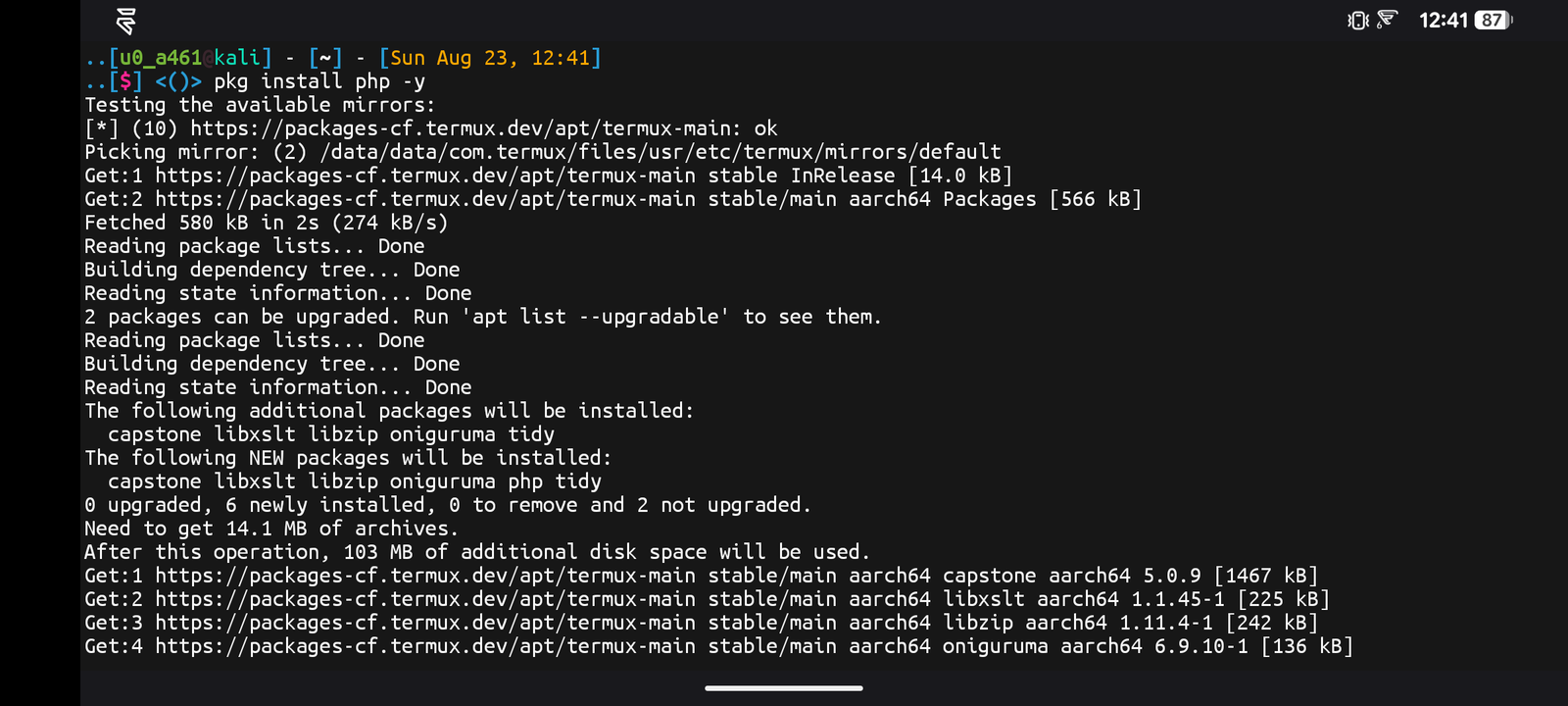
Step 3: Once The Installation Has Been Completed We Need To Verify The Installation Using php -v Command And Wait For The Response Of The Version.
php -vOnce The Command Has Been Executed It Will Show The Current Version Of PHP In Termux And That Means We Have Installed Php In Termux Successfully. These Were Some Of The Simple Steps To Install PHP In Termux. Once The Installation Has Been Completed We Will Now See How Can We Use PHP In Termux.
How To Use PHP In Termux?
Once The Installation Has Been Completed We Will Now Write A Simple PHP File And Run It Using PHP’s In Built Local Server. We Will Create A PHP File, Add A Small Piece Of Code Inside It, And Then We Will See It Through A Local Server. Follow The Below Steps To Use PHP In Termux:
Step 1: First Of All We Need To Create A New File Using nano index.php Command. ( If You Do Not Have Nano Installed Yet, Check Our Nano Guide First)
nano index.phpStep 2: Now Type The Following Line Of Code Inside The File. <?php echo "Hello from PHP in Termux!"; ?> And Save The File Using Ctrl + X And Then Type Y And Press Enter.
<?php echo "Hello from PHP in Termux!"; ?>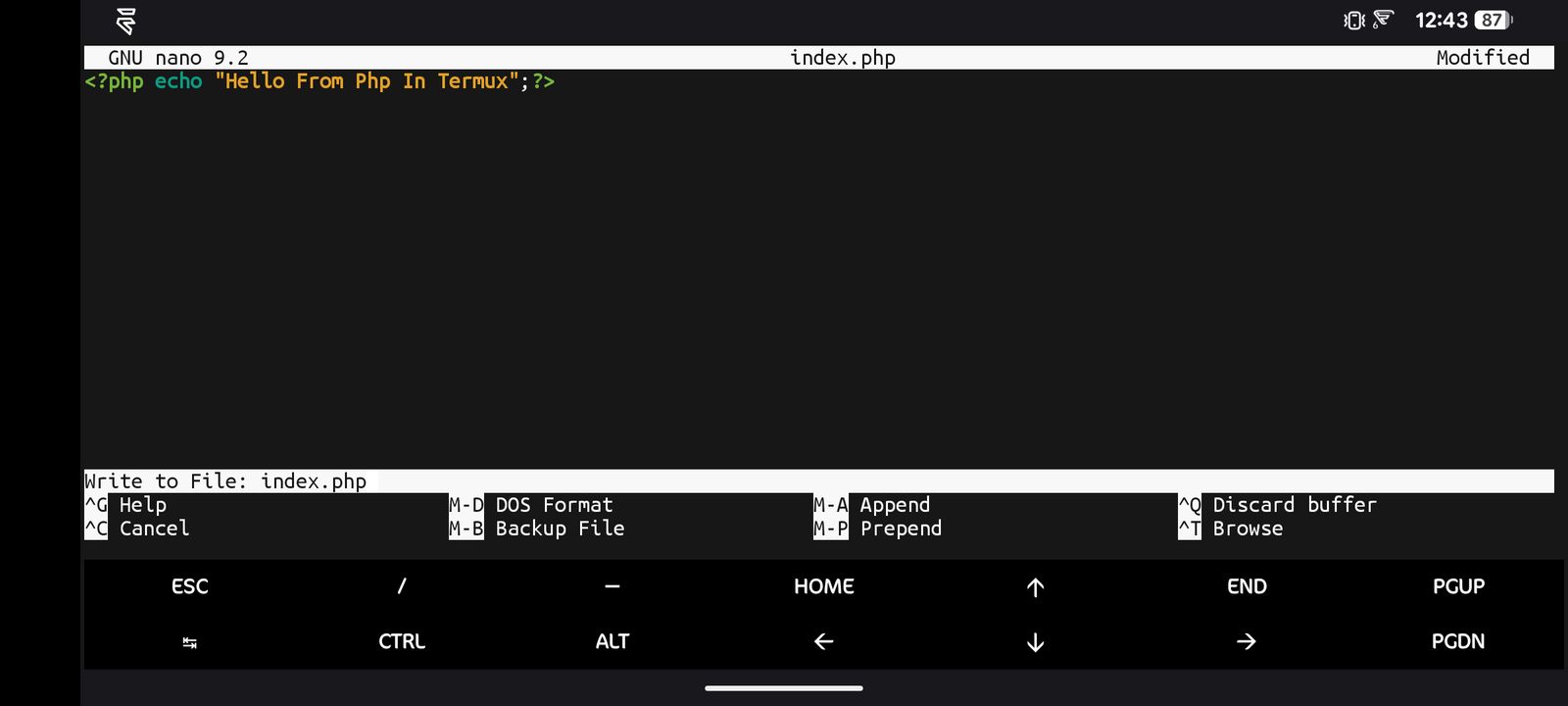
Step 3: Now To Start A Local Server We Will Simply Type php -S localhost:8000 Command In The Same Folder As Your File.
php -S localhost:8000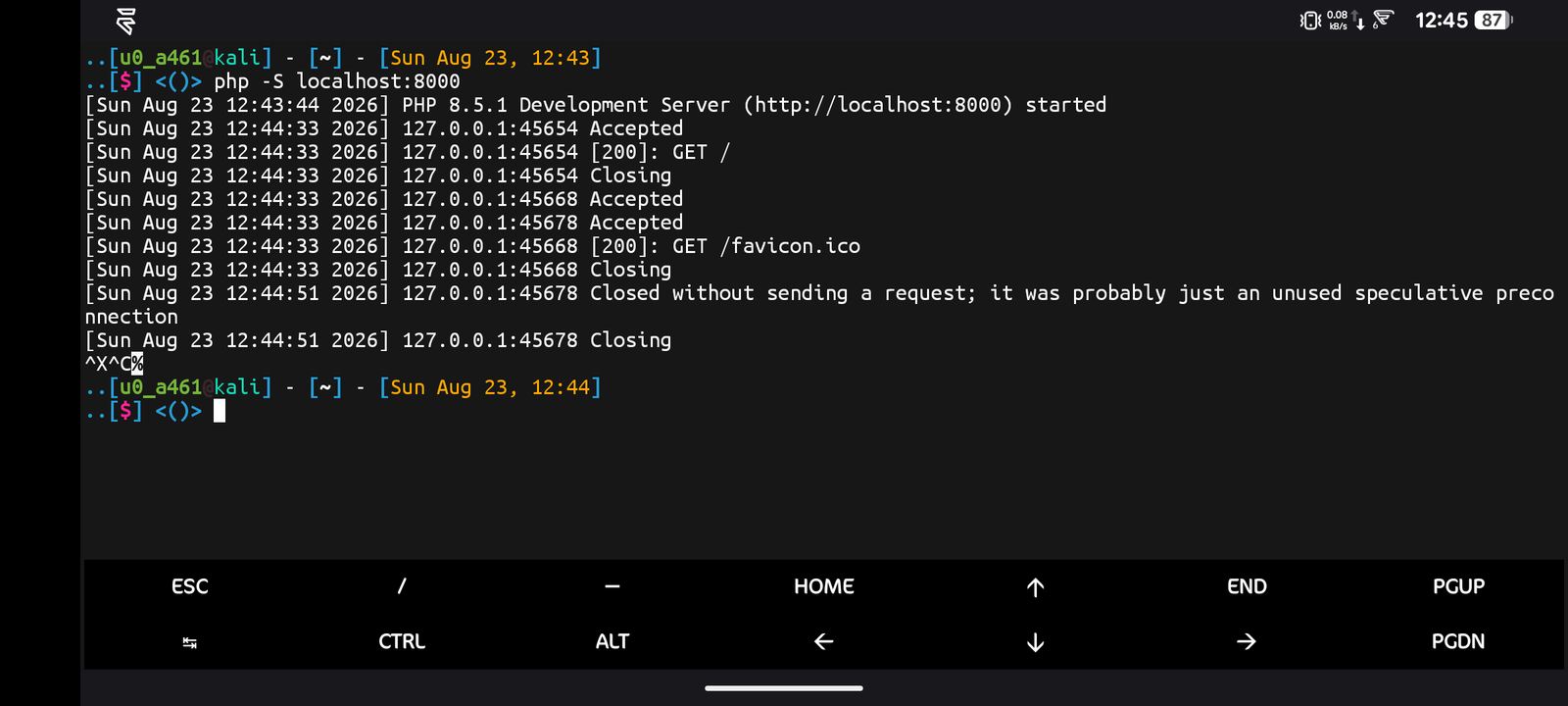
Step 5: Once The Server Is Running Open Any Browser On Your Device And Visit http://localhost:8000 To See The Output Printed On The Page.
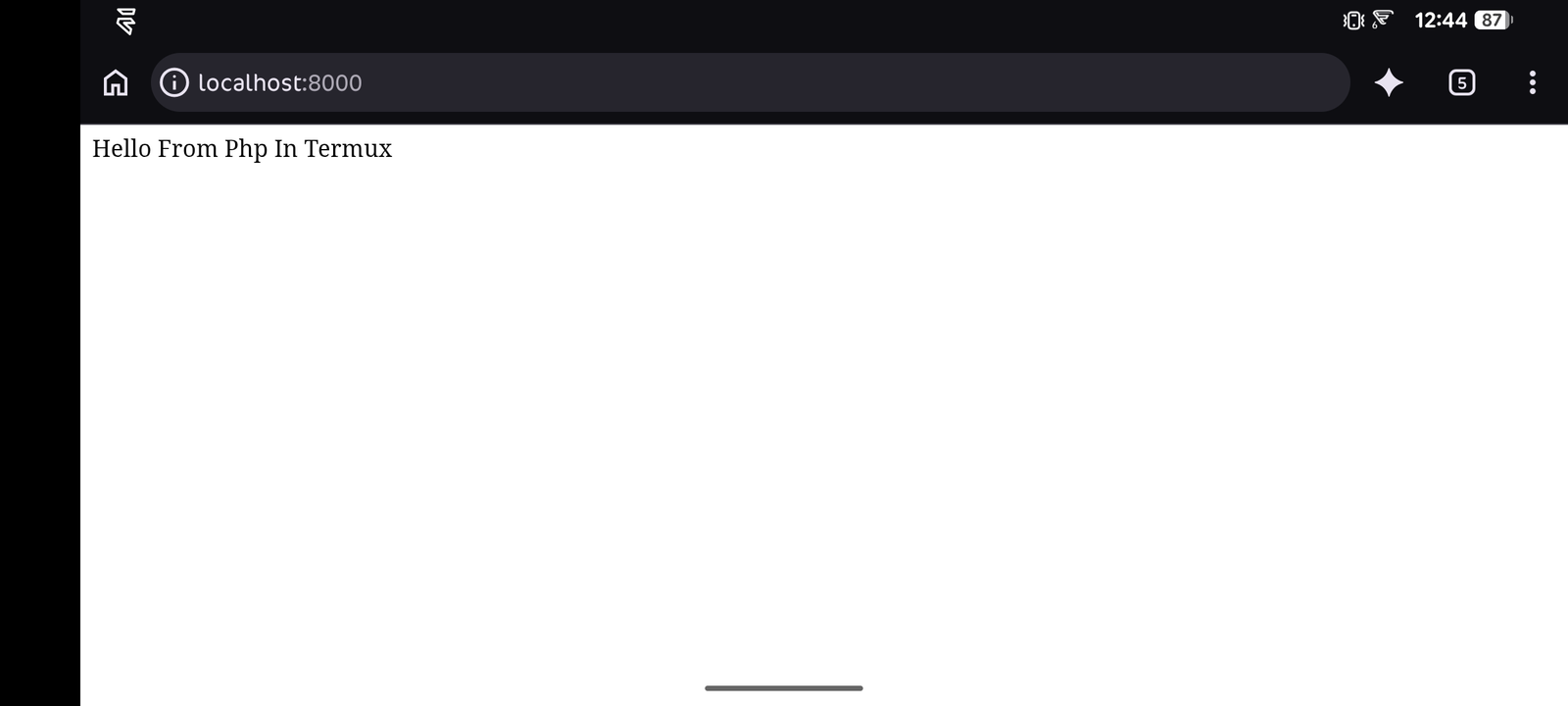
The Output On The Page Must Be The Same Text That We Coded Or Scripted In The index.php File In Step . This Shows How Can Edit Or Create A PHP File In Termux Using Proper Commands And Methods. o Stop The Server At Any Time Just Go Back To Termux And Press Ctrl + C. We Can Also Run PHP Files Directly Without Starting A Server. I Have Provided A List Of Essential Commands In PHP To Manage Scripts And Servers Properly.
Essential Commands In PHP:
Below Is List Of Essential Commands For PHP In Termux That Can Help You Become A Good Programmer Or A User Of PHP In Termux. These Commands Will Ease Your Use Of PHP In Termux:
Running A PHP File Directly (No Server Needed): You Can Just Simply Type php index.php To Run A PHP File Directly From The Command Line Without Starting A Local Server That Is Useful For Simple Scripts.
php index.phpStarting A Local Server On A Custom Port: If You Want To Start A Local Server On A Different Port You Need To Type php -S localhost:8080 Command Instead Of The Default 8000. ( I Am Starting The Server On Port 8080 You Can Type Your Own Port Number).
php -S localhost:8080These Were Some Essential Commands In PHP That Can Be Used In Termux. There Are Also Many Other Options To Use In PHP In Termux You Can Check All Of Them By Typing php --help Command In Termux.
Common Errors And Fixes:
Php Command Not Found: This Error Only Occurs When Php Has Not Been Successfully Installed In Termux. You Simply Need To Run pkg install php -y Command To Install Php In Termux And Wait For The Successful Installation Of PHP.
pkg install php -yBlank Page When Visiting Localhost: This Error Occurs When There Is A Syntax Mistake In Your PHP File Or The Server Is Not Actually Running. Run php -l index.php Command To Check For Syntax Errors, And Make Sure The Server Is Still Running In Termux.
php -l index.phpThese Are Some Of The Common Errors That A User Can Face While Installing or Using Php In Termux. You Can Get Any Other Kind Of Error Also That Is Not Listed Here But You Can Tell Me In The Comment Section. I Will Try My Best To Help You Out In That Case.
Conclusion:
PHP Is One Of The Most Popular Server Side Scripting Languages In Termux And Other Linux Systems. We Have Covered A Lot Of Details, Installation And Usage Of PHP In Termux. I Hope You Have Liked This Post. If You Have Still Any Questions Regarding This Post You Can Tell Me In The Comments. Keep Visiting Our Website For New And Updated Content Of Cybersecurity Related To Linux And Termux. Thanks For Reading.