
In This Post I Am Going To Show You How To Install Python In Termux And All The Other Things That Is Related To Python In Termux. We Will Go Through The Basic Definition And Use Of Python In Termux Followed By The Installation Of Python In Termux. We Are Also Going To Discuss About The Errors We Face While Using Python In Termux. So Without Wasting Much Of Your Time Lets Start,
What Is Python?
Python Is A High Level Beginner Friendly Language That Is Used For Almost Everything In Programming Or Other Stuff Related To The Computer. It Is Used For Automation And Artificial Intelligence. Many Popular Tools That We Use In Termux Are Mostly Made Up Of Python Language As It Beginner Friendly And Automates The Tasks. These Tools Include Phoneinfoga, Sherlock, And Other Osint Tools. Installing Python Helps A Lot In Coding And Other Things In Termux.
How To Install Python In Termux?
We Will Install Python In Termux Through The Basic Steps And We Also Install Other Stuff That Is Related To The Python Or Is Dependable For Python Installation. You Just Need An Internet Connection And A Good Device With A Good Storage In It. Follow The Below Steps One By One To Install Python In Termux:
Step 1: First Of All You Need To Open The Termux App That You Must Have Installed And Updated Correctly And Type pkg update && pkg upgrade -y Command In Termux That Will Update And Upgrade The Termux Packages So That No Error Occurs.
pkg update && pkg upgrade -yStep 2: Now You Need To Install The Python Package In Termux Using pkg install python -y Command.
pkg install python -y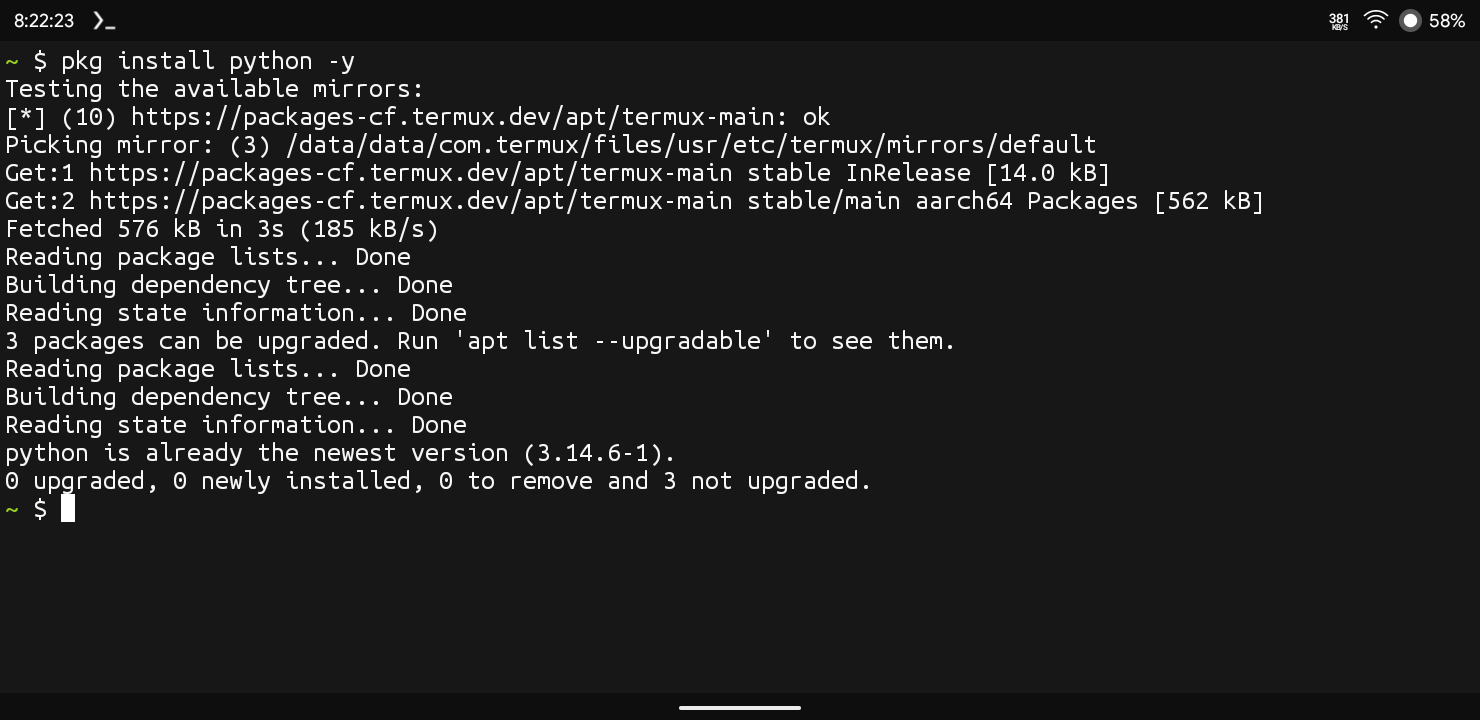
Step 3: After The Installation Will Be Finished In Termux We Need To Verify The Installation Using python --version Command. This Will Show The Version Of Python That Is Currently Installed In Termux.
python --version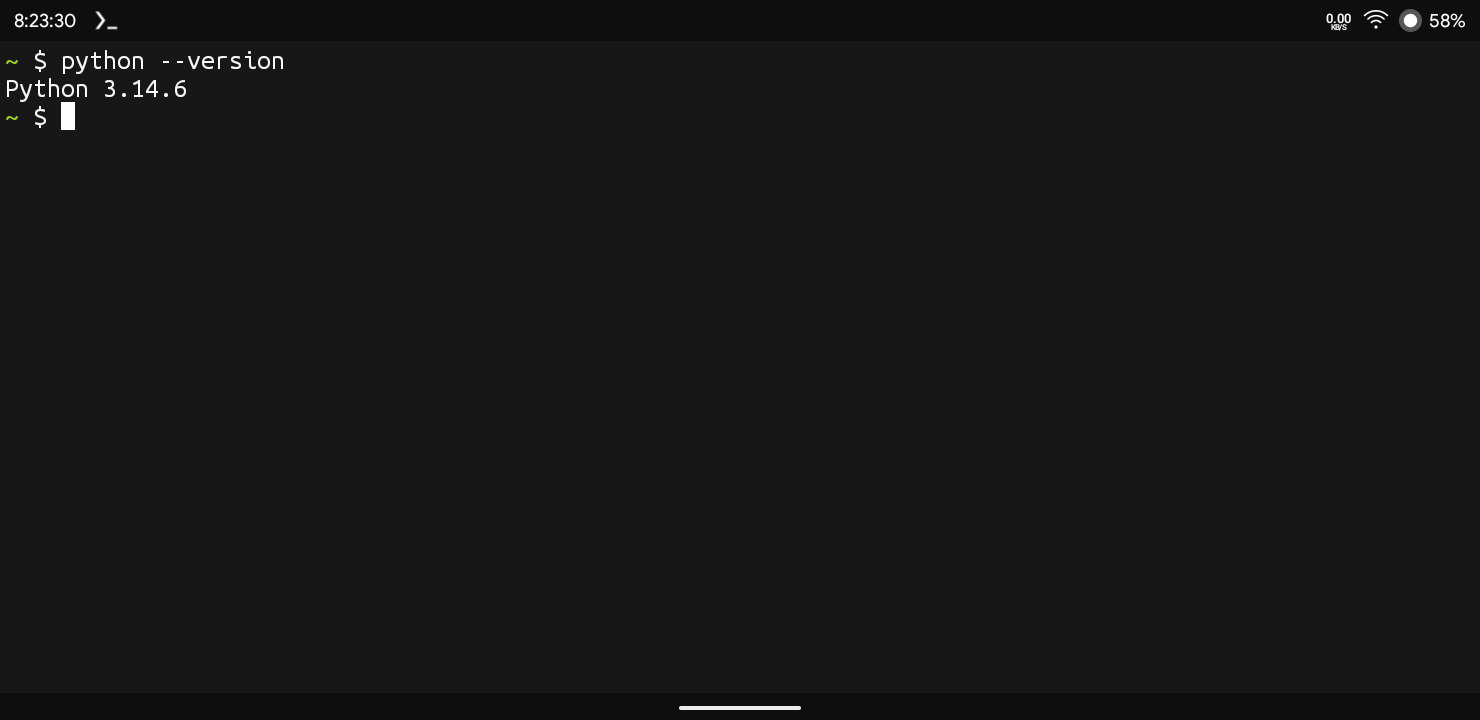
The Python Installation Has Been Completed In Termux And Now We Will Setup The Python Things In Termux. We Will Install Python Package Manager Then We Will Install Some Packages Using That pip In Termux.
Also Read : How To Install Sudo In Termux Without Root: Complete Guide 2026
How To Install Pip In Termux?
Pip Means Python Package Manager And It Comes Mostly With The Python Itself If It Somehow Is Not Installed In Termux You Just Need To Follow The Below Steps To Install Pip In Termux:
Step 1: Just Open The Termux And Type pkg install python-pip -y Command In Termux And Wait For The Installation.
pkg install python-pip -y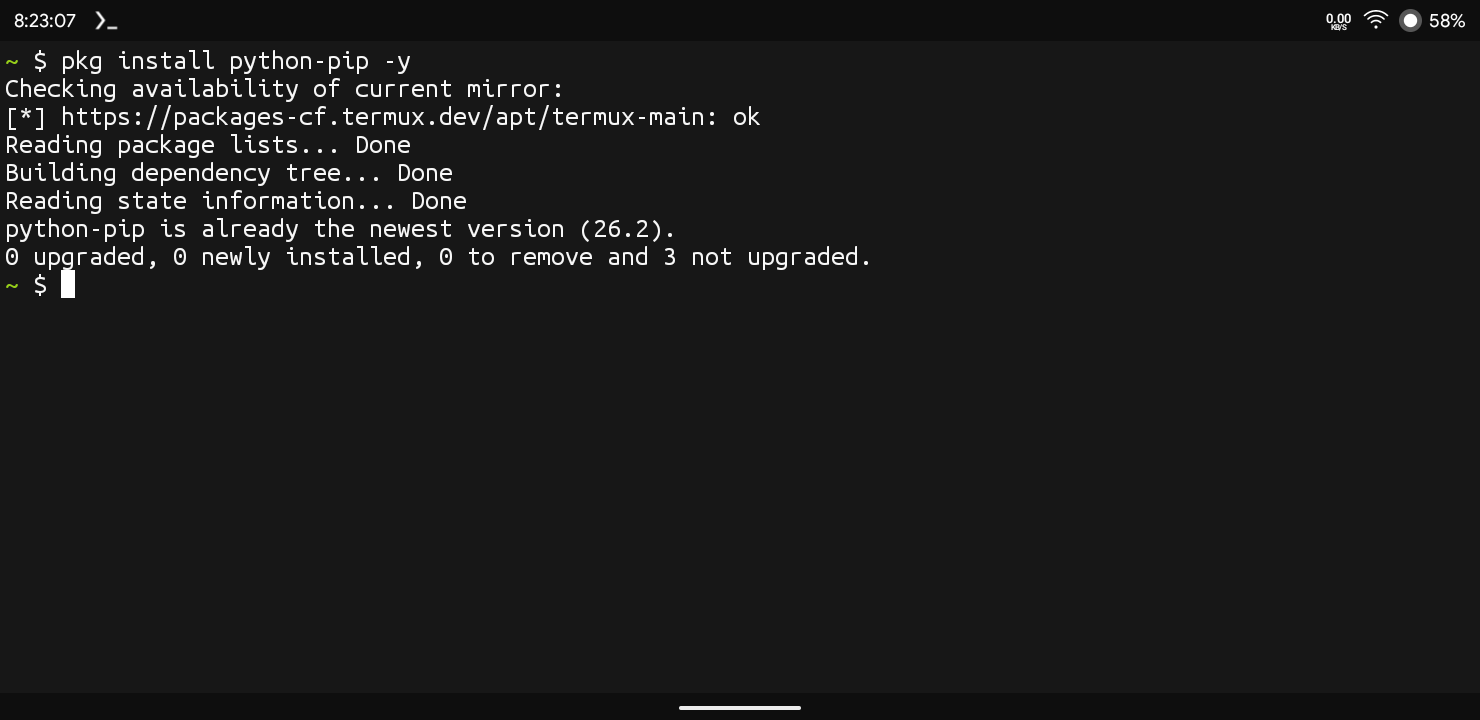
Step 2: Now Verify The Installation Using pip --version Command In Termux. If It Showed The Version Of pip It Is Successfully Installed In Termux.
pip --versionHow To Use Python In Termux?
After The Installation Has Been Done We Will See Now How To Use Python In Termux. We Will Create A Blank File In Termux Then We Will Edit It With The Code That We Want To Run In Termux. Follow The Below Steps One By One To Use Python In Termux.
Step 1: First Of All We Need A Editor In Termux For File Creation And Editing For That We Will Install Vim In Termux Using pkg install vim -y Command.
pkg install vim -yStep 2: Now We Will Create A Python File In Termux Using nano Hello.py Command. This Will Create A Python File With “Hello” Name In Termux.
nano Hello.pyStep 3: Now We Will Add Our Code In The File By Just Typing The Code In Termux. For Example I Am Adding “print("Hello From Python In Termux!")” Code.
print("Hello From Python In Termux!")Step 4: Now Save The File Using Ctrl + X And Press Enter To Save It. Once The File Has Been Saved You Can Execute The Code Using python Hello.py As I Had Named My File “Hello”.
python Hello.pyThis Is All About How To Use Python In Termux, You Can Write Beautiful Codes And Run Them In Termux Using The Same Method I Told You In This Tutorial.
Common Errors And Fixes That We Face:
- Python Command Not Found : This Means That The Python Has Not Been Installed Properly In Termux. You Just Need To Install The Python Properly Or Just Check The Spelling.
- Pip Command Not Found : This Means That pip Is Not Properly Installed In Termux And You Just Need To Install It Properly In Termux Using
pkg install python-pip -yCommand.
pkg install python-pip -y- Module Not Found : This Means You Need To Install The Module That Is Showing On The Termux Screen Using
pip install <module name>Command In Termux.
pip install <module name>Conclusion:
Python In Termux Is A Great Initiative Towards Programming Using Your Android Device. You Just Need You Device Or Android Phone To Code And Run In Python. We Can Also Add Different Other Languages In Termux That We Will See In Other Posts. I Hope You Have Understood And Liked Our Post If You Have Still Any Question Regarding This You Can Tell Me In The Comments. Thanks For Reading.




3 thoughts on “How To Install Python In Termux : Complete Setup Guide 2026”