

In This Post I Am Going To Show You How To Install Sherlock In Termux With All The Errors Fixed And All The Details About The Sherlock In Termux. We Will Start With Definition Of The Sherlock Followed By The Installation And Usage Of Sherlock In Termux. All The Errors Are Fixed In This Tutorial And All The Details Are Explained Well In This Post. So Lets Start,
What Is Sherlock Tool?
Sherlock Is A Powerful Open Source Tool That Is Used To Gather Information About A Person That Is Available On Internet. It Is An OSINT Tool That Uses A Single Username Across Different Platforms And Different Sites To Check The Available Data Of That Particular Person You Are Searching About. It Is A Python Based Tool That Is Used By Forensic Teams Or Journalists To Search For A Specific Person Or Data.
How To Install Sherlock In Termux?
After A Great Definition Of Sherlock We Will Now Move On The Next Step That Is How To Install Sherlock In Termux. We Will Clone The Sherlock Tool From The GitHub Followed By The Installation Of That Tool In Termux. We Will Also Add The Required Packages In Termux For Sherlock. Follow The Below Steps One By One To Install Sherlock In Termux:
Step 1: First Of All We Need To Open The Termux App, The Update And Upgrade All The Packages Using pkg update && pkg upgrade -y Command In Termux. (Make Sure The Internet Is Connected To The Device And The Device Holds Some Good Storage In It)
pkg update && pkg upgrade -yStep 2: Now We Will Install The Dependencies For The Sherlock In Termux. For That We Will Type pkg install git python -y Command In Termux.
pkg install git python -yStep 3: Now We Will Clone The Sherlock Repository In Termux Using git clone https://github.com/sherlock-project/sherlock.git Command.
git clone https://github.com/sherlock-project/sherlock.git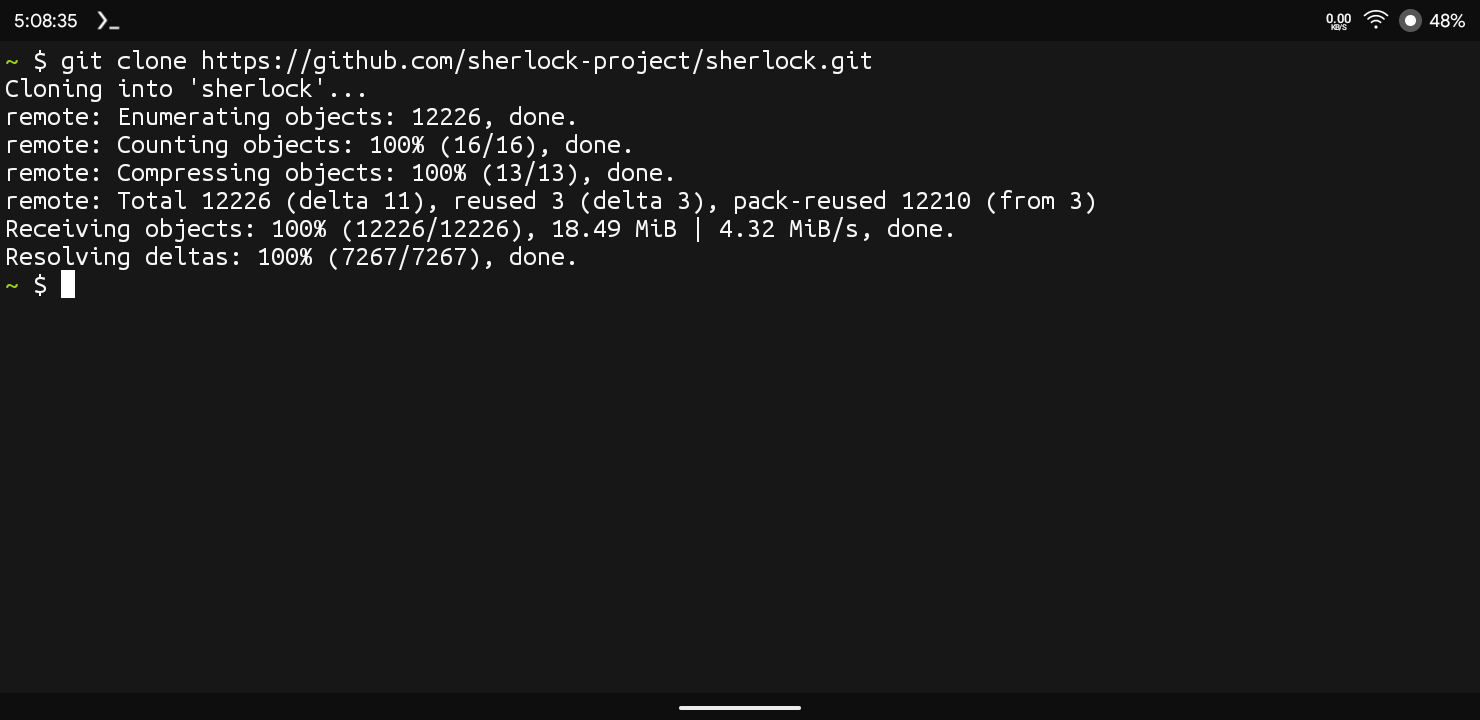
Step 4: Go To The Sherlock Folder For Installing And Bashing The Script Of Sherlock In Termux. Type cd sherlock In Termux To Go To The Sherlock Folder.
cd sherlockStep 5: Now Install Other Dependencies For The sherlock tool using pip install -r requirements.txt command.
pip install -r requirements.txtNow We Have Completely Installed Sherlock In Termux And We Are Ready To Go For The First Trial In It. Once Everything Go According To The Steps We Can Now Search For A Dummy Username In Sherlock.
How To Use Sherlock In Termux?
After The Installation Has Been Finished We Can Now Use Sherlock To Search For Usernames And Find The Data About That Thing Or Particular Username. Follow The Steps To Use Sherlock In Termux.
Step 1: There Is No Rocket Science In Using Sherlock In Termux We Just Need To Type python sherlock username Command After The Installation Of Sherlock In Termux. ( Make Sure To Change The Username With The Name You Want To Search).
python sherlock usernameStep 2: After The Step 2 A List Of Links As A Results Will Be Shown, You Can Reverify The Links By Going On That Page That Sherlock Find.
That Is A Simple Method In Which We Can See How We Can Use Sherlock In Termux. I Hope You Have Got That Easily. You Can Save The Results Also In Termux.
Errors And Fixes In Sherlock.
Python Command Not Found: This Means You Have Not Installed The Python Package In Termux. We Will Simply Type pkg install python -y Command In Termux To Install It.
pkg install python -yFailed Building Wheel: This Errors Happens When The Sherlock Tool Does Not Meet Dependencies In Termux. You Just Need To Type pkg install clang python-dev libffi openssl -y Command In Termux To Resolve This Error.
pkg install clang python-dev libffi openssl -yConclusion:
Sherlock Is A Powerful Tool For Scanning Usernames In Termux And Other Linux Distributions. Sherlock Simply Searches The Username In A List Of Social And Informational Websites. It Verifies The Link Is Working Then Shows It On The Terminal. This Tool Must Be Used Only And Only For Educational Purposes. Using This Tool To Stalk Or Harass Someone Is Illegal And Punishable Under Act. I Hope You Have Liked This Post. Thanks For Reading.






2 thoughts on “How To Install Sherlock In Termux : Complete Setup Guide 2026”