
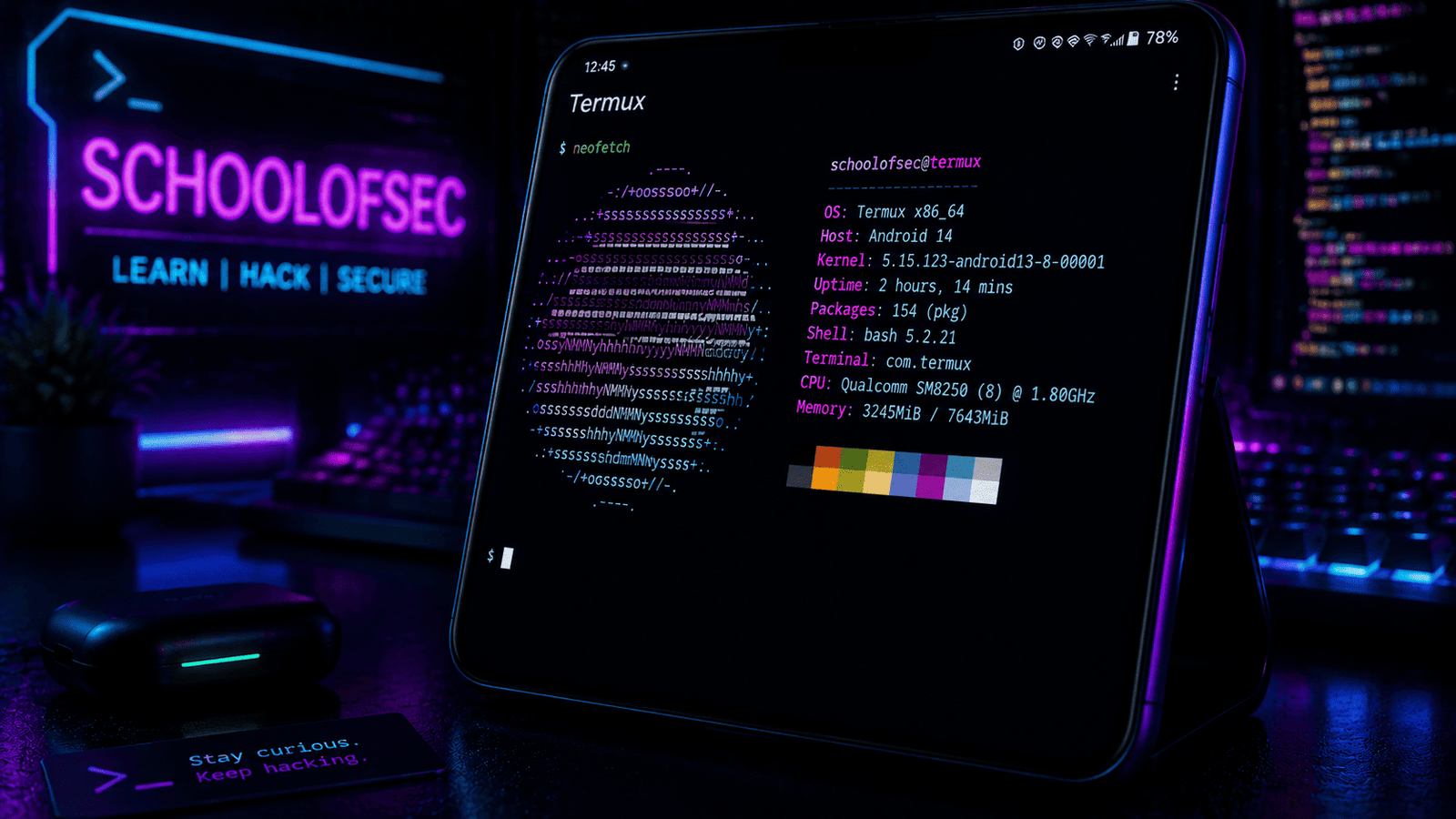
In This Post I Am Going To Show You How To Install Neofetch In Termux And Configure It With Different Themes And Colour. This Post Will Be All About The Neofetch Installation, Its Usage And Its Customization In Termux. We Will Start With The Basic Definition Followed By The Installation Then Customization Of Neofetch In Termux. So Without Wasting Much Of Your Time Lets Start,
What Is Neofetch?
Neofetch Is A Simple And Useful Command Line Utility In Linux Distributions That Helps A User To Display The Information About Your System In Your Terminal With A Beautiful ASCII Art. It Shows Details Of Operating System, RAM , Battery And Up Time Of The System. It A Purely Informative Utility That Shows Information Of The System Without Offensive And Defensive Ability In Linux Operating Systems.
How To Install Neofetch In Termux?
Installing Neofetch In Termux Is One Of The Easiest Tasks That You Will Do In Termux Journey. You Just Need To Update Termux Then Install Neofetch Using A Single Command And Verify The Installation. Follow The Below Steps One By One To Install Neofetch In Termux:
Step 1: First Of All You Need To Update The Termux Using pkg update Command And Then Update The Termux By pkg upgrade -y Command To Upgrade The Termux Packages.
pkg update && pkg upgrade -yStep 2: Now Install Neofetch In Termux Using pkg install neofetch -y Command And Wait For The Installation.
pkg install neofetch -y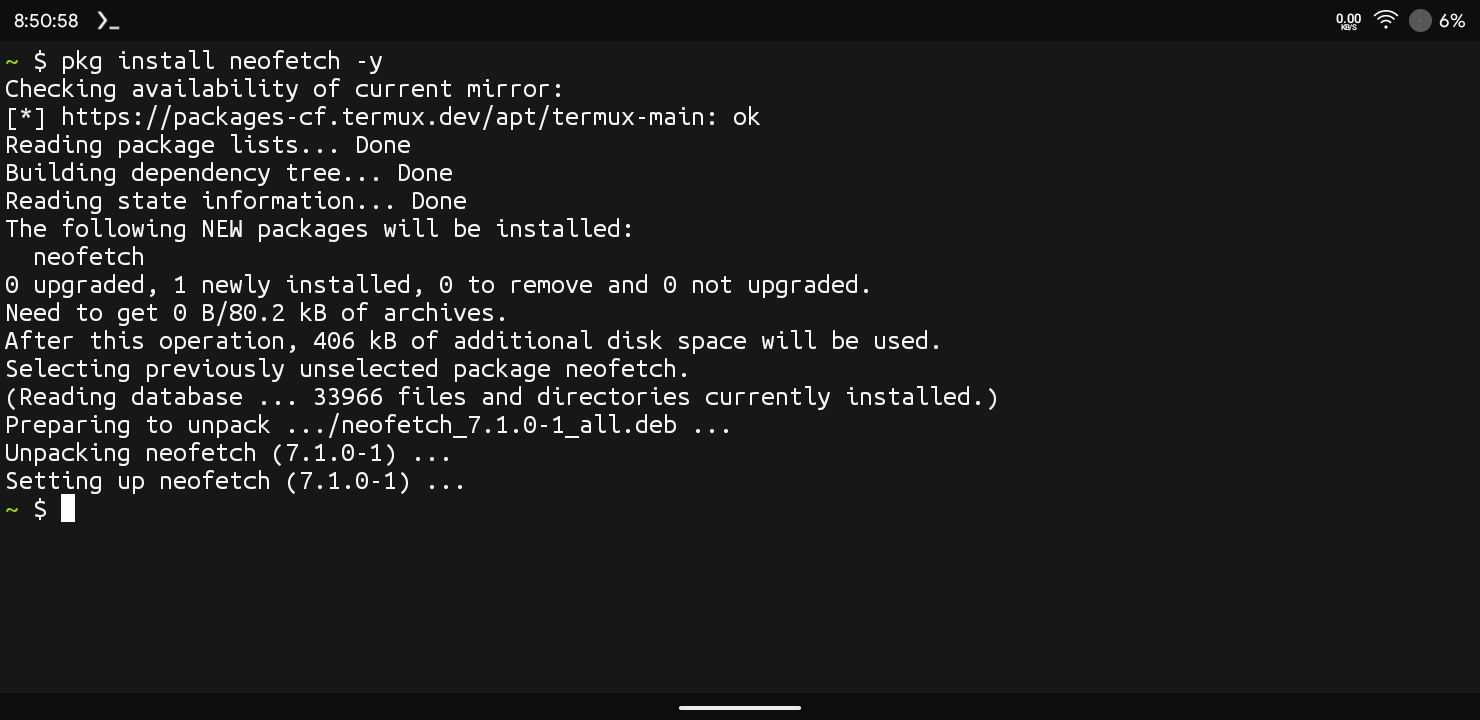
Step 3: Now Verify The Installation In Temux By Simply Typing neofetch Command In Termux. It Will Show A Beautifull ASCII Art With Information Of The Device.
neofetch 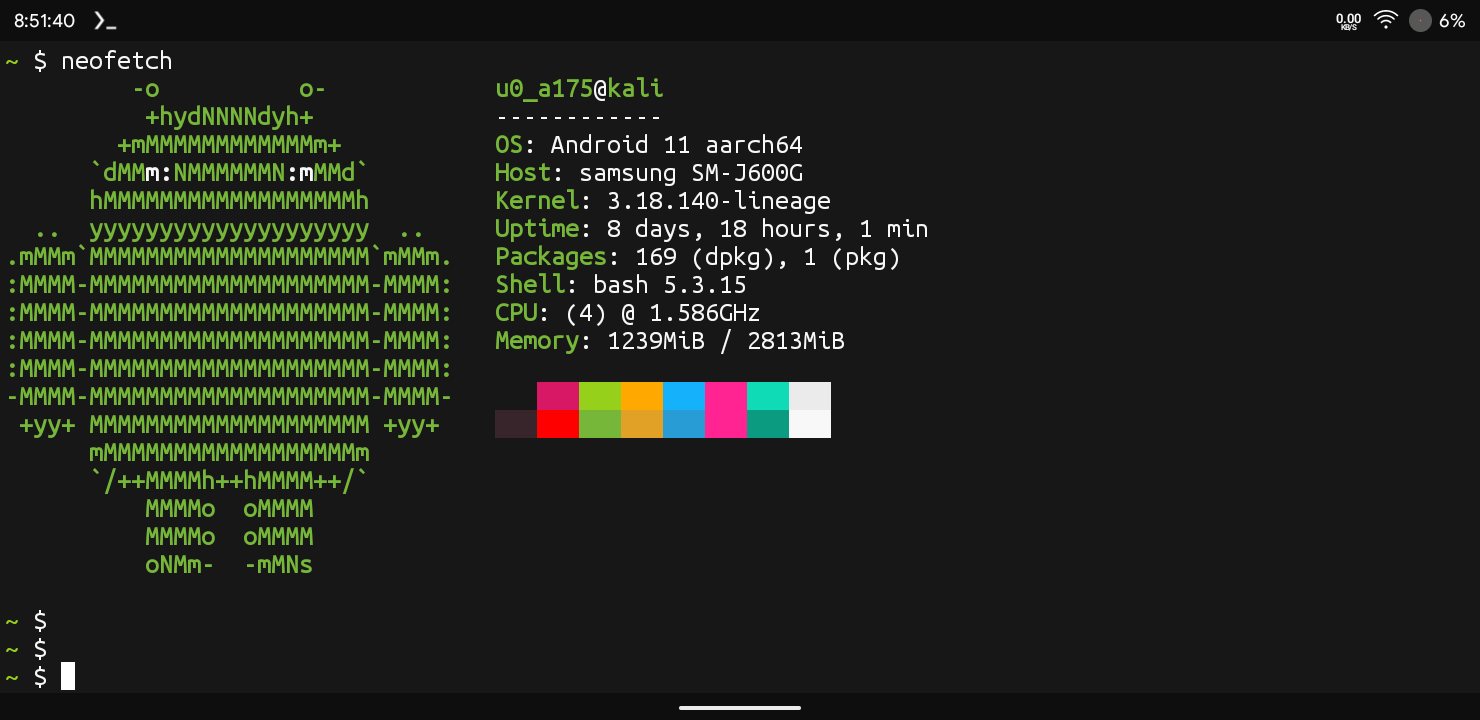
This Is How We Can Install The Neofetch In Termux And Check The Installation. This Was The Basic Installation And Use Of Neofetch In Termux. We Can Also Add Neofetch In The Startup And Also Do A Lot Of Things In Termux Using Neofetch So Lets See The Other Things Now.
How To Customize Neofetch In Termux?
After The Installation Of Neofetch In Termux. We Will Now Customize The Neofetch In Termux By Adding And Removing The Details In The Neofetch. Follow The Below Steps To Customize Neofetch In Termux:
Step 1: First Of All We Will Configure Neofetch In Termux By Typing neofetch --config Command.
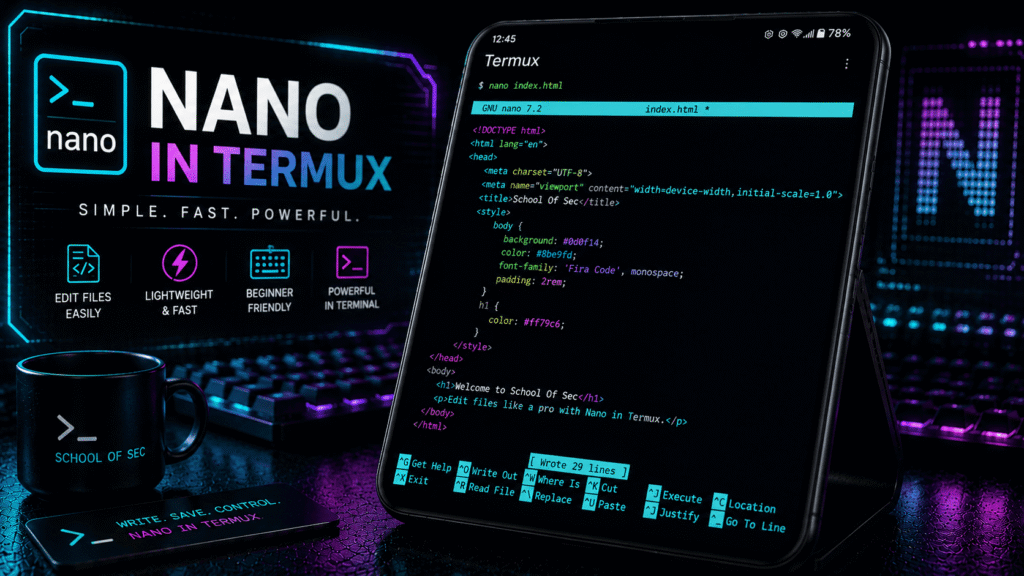
neofetch --configStep 2: Now We Will Go To The Neofetch File In Termux And Edit That File According To Your Own Choice Using nano ~/.config/neofetch/config.conf Command.
nano ~/.config/neofetch/config.confStep 3: Now The ASCII Art With The Details Will Appear On The Screen And You Can Customize It With Your Own Choices.
This Is How We Can Customize Neofetch In Termux. You Can Change Much Of The Details Then Save The Data Using Ctrl + X Command Then Click On Enter To Save It.
Also Read: How To Install Kali Nethunter In Termux No Root Guide 2026
How To Add Neofetch In Termux At Startup?
If You Want To Add Neofetch In Termux At The Startup You Just Need To Type echo "neofetch" >> ~/.bashrc Command In Termux.
echo "neofetch" >> ~/.bashrcThis Will Add Neofetch At The Startup That Means When Ever You Open The Termux App The ASCII Art With Info Will Automatically Appear On The Screen Without Typing Neofetch Command.
Essential Commands In Neofetch:
Display Details Without ASCII Art: If You Want To Print Out Details Of Your Device Without The ASCII Logo You Just Need To Type neofetch --off Command In Termux.
neofetch --offDisplay Different Logo In Termux: If You Want To Display Logo Of Different Distro In Termux You Just Need To Type neofetch --ascii_distro kali-linux Command In Termux. This Command Will Show Logo Of Linux In Termux.
neofetch --ascii_distro kali-linux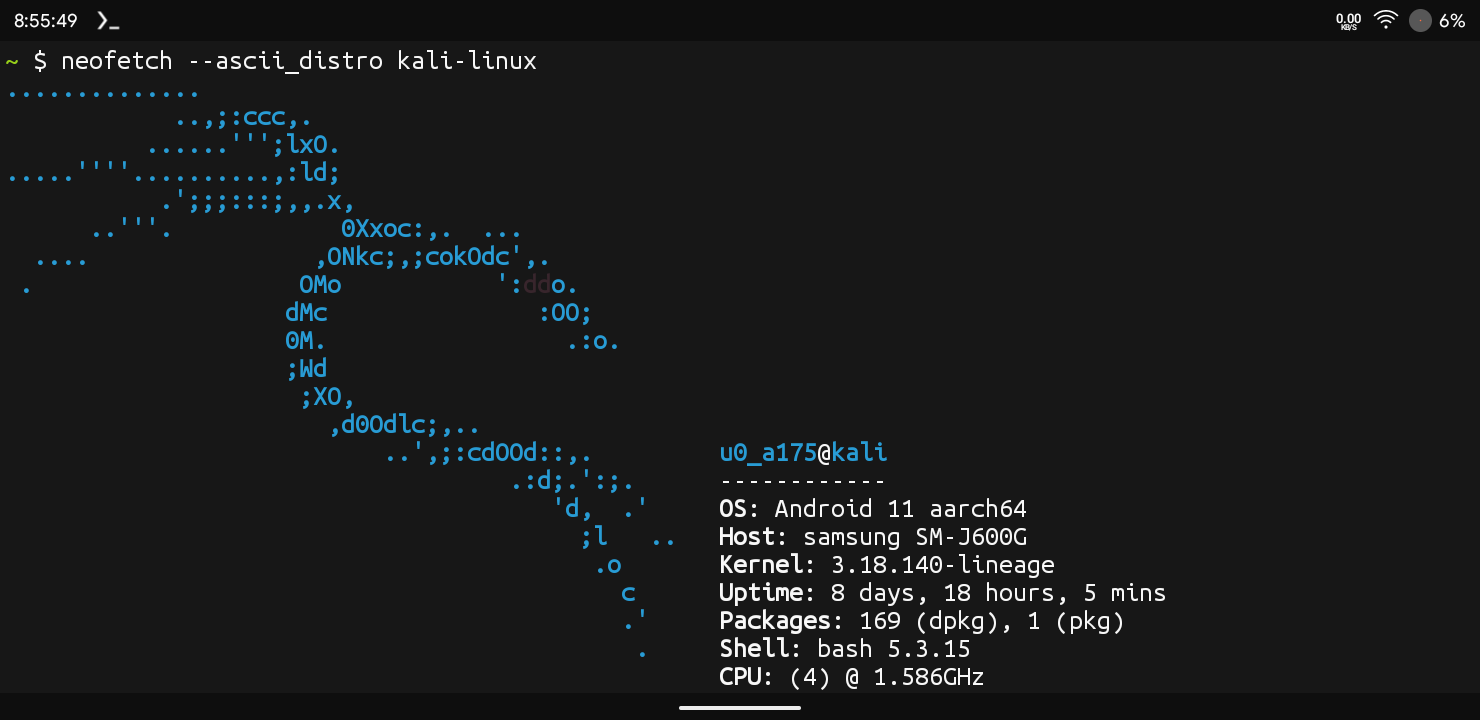
Change Colour Scheme: If You Want To Change The Colour Scheme In Termux For Neofetch You Just Need To Type neofetch --color_blocks off Command To Change The Colour Scheme.
neofetch --color_blocks off Errors And Fixes:
Neofetch: Command Not Found: If Termux Shows This Error That Means Termux Was Unable To Check The Neofetch Package. You Just Need To Update The Termux Using pkg update Command Then Run The Commands Again To Resolve The Error.
pkg updateNeofetch Not Found: If The Neofetch Is Not Installing In Termux Or Other Linux Distributions. This Is Common Error Of Some Linux Distributions. You Just Need To Install Fastfetch In Termux Using pkg install fastfetch - y Command As An Alternative In Termux.
pkg install fastfetch - yConclusion:
Neofetch Is One The Simplest And Coolest Thing In Termux. Neofetch Allows A User To Beautifully Customize The Terminal In Linux Distributions. In My Opinion It Is One Of The Cool Stuff In Termux That You Want To Install And See. I Hope You Have Enjoyed This Post And Understood Every Thing. If You Have Any Questions Regarding This Post Tell Me In The Comments. Thanks For Reading.



1 thought on “How To Install Neofetch In Termux : Complete Setup Guide 2026”