
In This Post I Am Going To Show You How To Install Vim In Termux. We Will Go With The Proper Installation Of The Vim In Termux So That We Can Edit The Text And Other Files With Vim. The Vim Is A Better Alternative For Editing Files In Termux As It Provides Much Of The Features That Vim Holds And Nano Does Not. As Our Most Important Method We Will First See The Definition Of The Vim Tool Then Followed By The Installation And Use Of The Vim Tool In Termux. So Lets Start,
What Is Vim?
Vim Vi Improved Is An Awesome Text Editor That Can Be Used To Edit And Customize Text Files In Termux And Other Linux Distributions. Vim Is A Full Complete Text Editor, Text Viewer And One Can Also Run Commands In It.
How To Install Vim In Termux?
Installing Vim In Termux Also Require A Less Effort, We Just Only Need To Complete A Few Steps To Complete The Installation Of Vim In Termux. We Will Just Update The Termux Packages Followed By The Installation Of Vim In Termux Then We Will Verify The Installation Using A Single Version Check Command. Follow The Below Steps One By One To Install Vim In Termux:
Step 1: First Of All We Will Update And Upgrade Termux Packages Using pkg update && pkg upgrade -y Command In Termux. We Will Wait For The Updating Of The Termux Packages And Now Move On The Next Step.
pkg update && pkg upgrade -yStep 2: We Will Install Vim In Termux Using pkg install vim -y Command And Wait For The Installation To Complete.
pkg install vim -y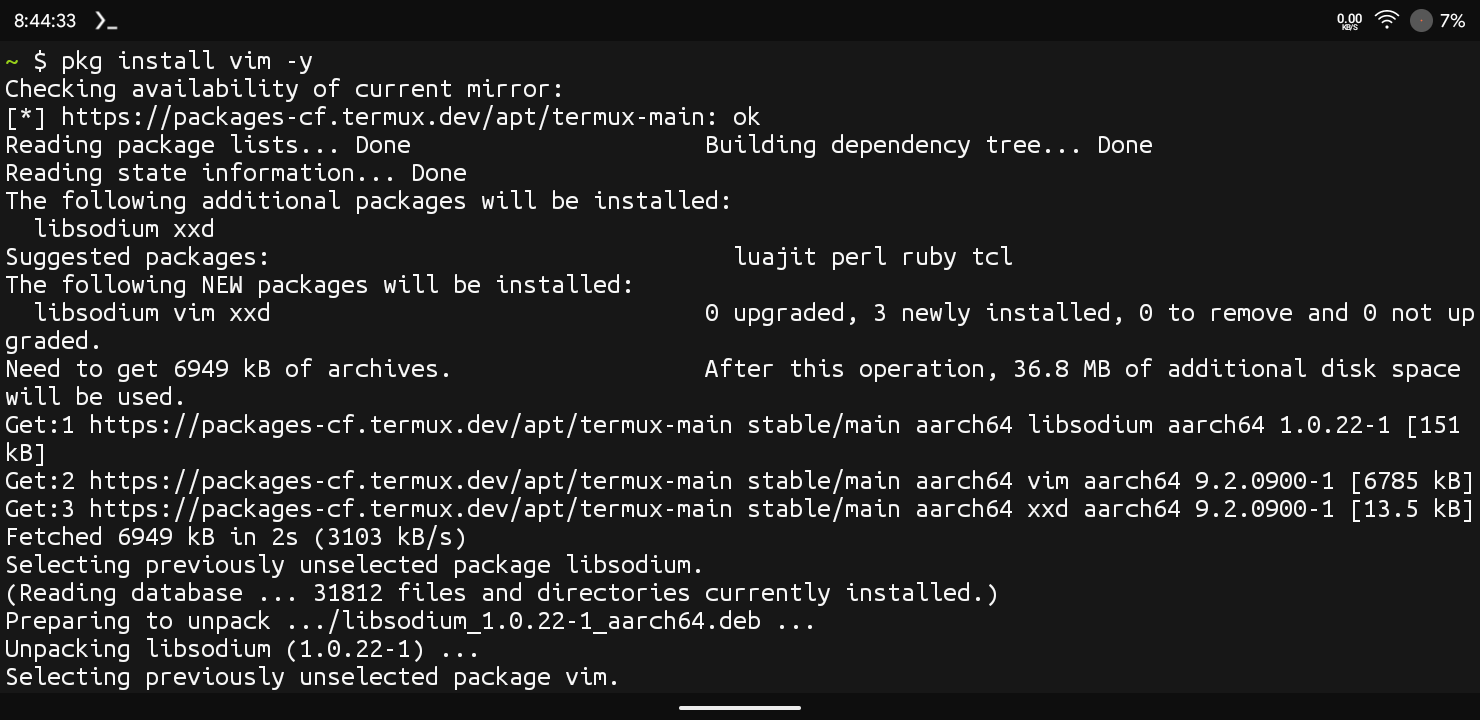
Step 3: Once The Installation Will Be Completed We Will Now Verify The Installation By Checking The Version Of Vim That We Installed Using vim --version Command In Termux.
vim --version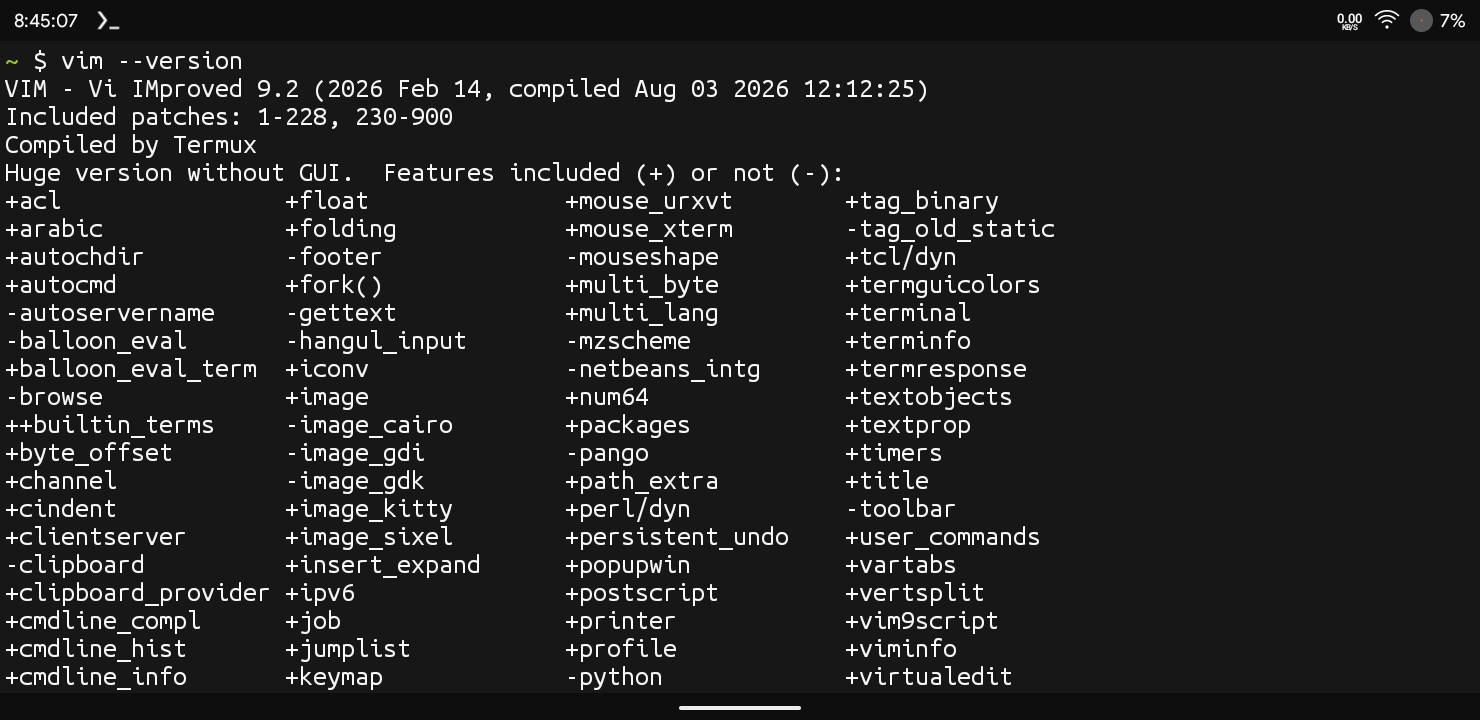
This Is How We Can Install Vim In Termux So Easily And Verify The Installation. After The Installation Has Been Successfully Completed In Termux We Will Now See How We Can Add Or Edit Text Using Vim. We Will Also See How We Can Use Different Commands Of Vim In Termux.
Also Read : How To Install Neofetch In Termux : Complete Setup Guide 2026
Opening And Editing A File Using Vim :
Now We Will Go With The First Step After Installing Vim In Termux. We Will Simply Create A File Using Vim And Add Some Data Then We Will Save The File.
Step 1: First Of All We Will Create Or Open A File In Termux Using vim myfile.txt Command.
vim myfile.txtStep 2: Now We Will Type I On Keyboard To Enable The Insert Mode And Then We Will Write Our Text In It. For Example We Will Add “This Is My First Vim File” In The Text File.
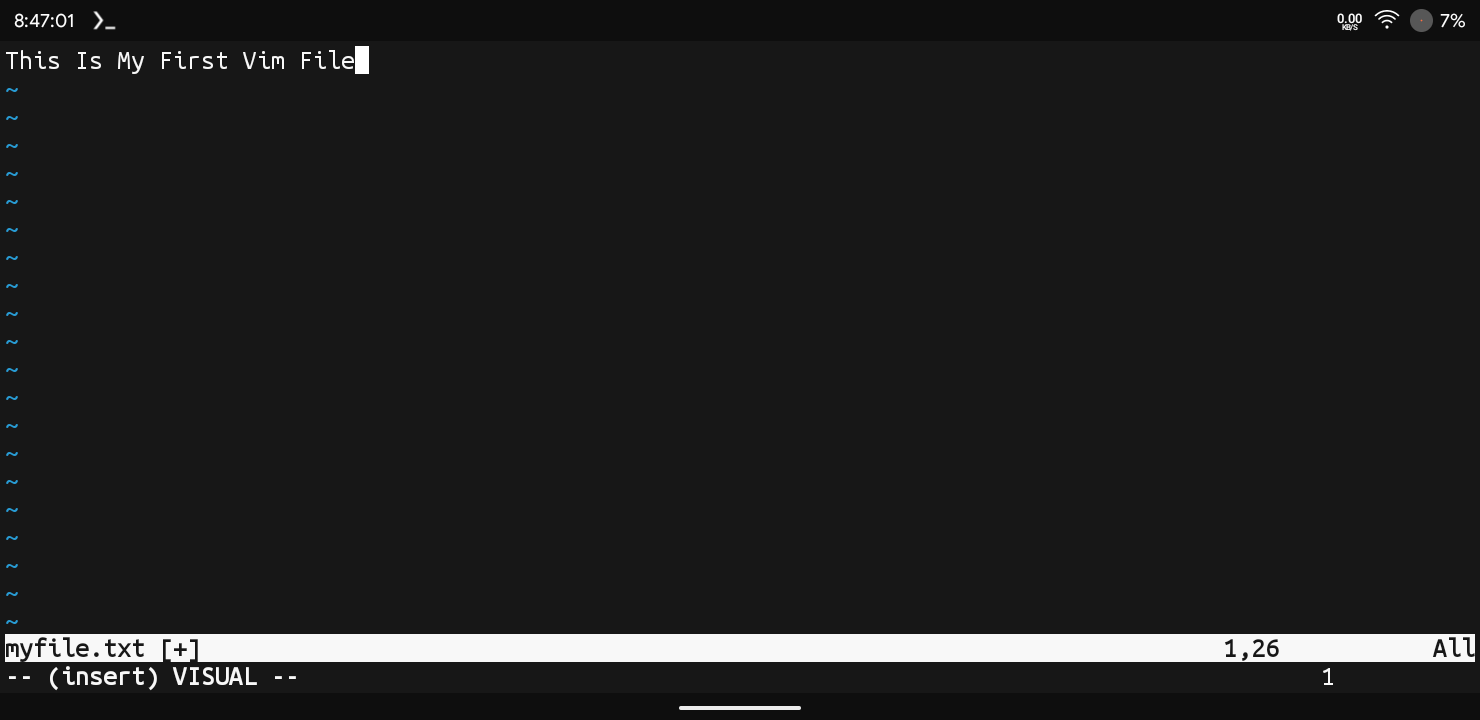
Step 3: Now Return To The Normal Mode In Vim Using Esc Command In Termux.
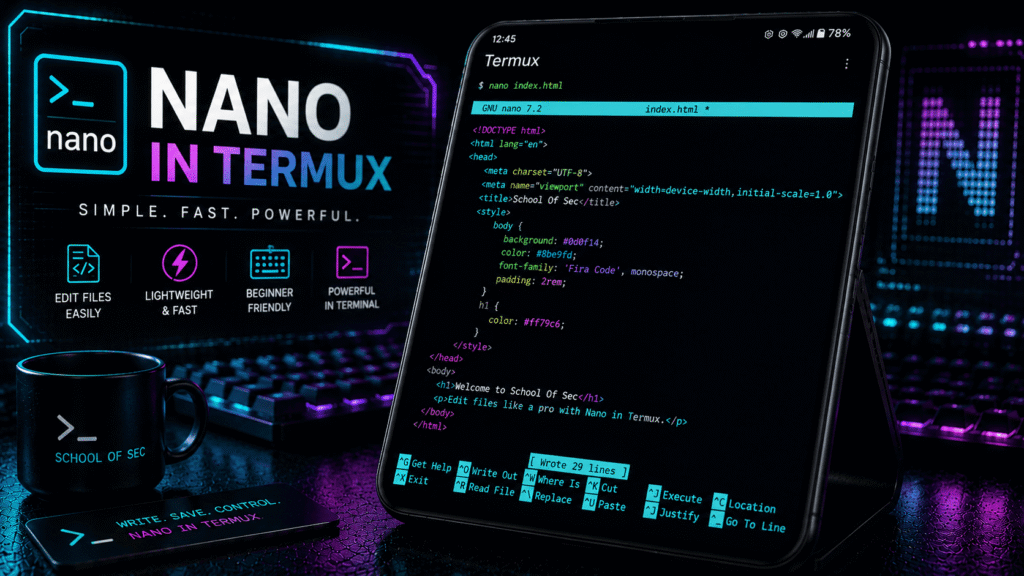
This Is How We Can Create An Edit A File In Termux Using Some Simple Scripts. We Also Saved The File And One Can Also See This Text File Also Using nano myfile.txt Command In Termux. Now We Will Move To The Next Step That Are Some Essential Commands In Vim.
Essential Commands In Vim:
Save And Quit: If You Want To Save And Quit A Text File In Vim In Termux You Just Need To Type :wq Command.
:wqSave Without Quiting: If You Want To Save A File Without Quiting The Editor In Vim You Just Need To Type :w Command In Terrmux.
:wQuit Without Saving: If You Want To Quit Without Saving A File In Vim You Just Need To Type :q! Command In Termux.
:q!Some Other Commands And Their Functions In Vim Are In The Below Box.
| Functions | Commands |
| Undo The Last Change | u |
| Redo The Last Undo | Ctrl + R |
| Delete A Single Character | x |
| Delete An Entire Line | dd |
| Go To Specific Line Number | :42 ( Replace 42 With Your Own Line) |
| Search For Text | /searchterm |
| Copy A Line | yy |
Errors And Fixes In Vim:
Vim Command Not Found: This Means That The Vim Has Been Not Been Installed Properly In Termux. We Just Need To Install The Vim In Termux Using pkg install vim -y Command.
pkg install vim -yAll Other Errors In Vim Are Only Because Of The Mode You Are In If A Command Does Not Work Please Check The Mode You Are In Before Troubleshooting It.
Conclusion:
Vim Is One Of The Widely Used Text Editors In The World Of Linux Operators. Unlike Other Editors Vim Is The Special One As It Is A Controllable With Commands. Once You Master The Commands Of Vim You Will Feel The Real Difference. We Have Discussed Every Possible Detail Of Vim In Termux. I Hope You Have Liked This Post Thanks For Reading.


2 thoughts on “How To Install Vim In Termux : Complete Setup Guide 2026”